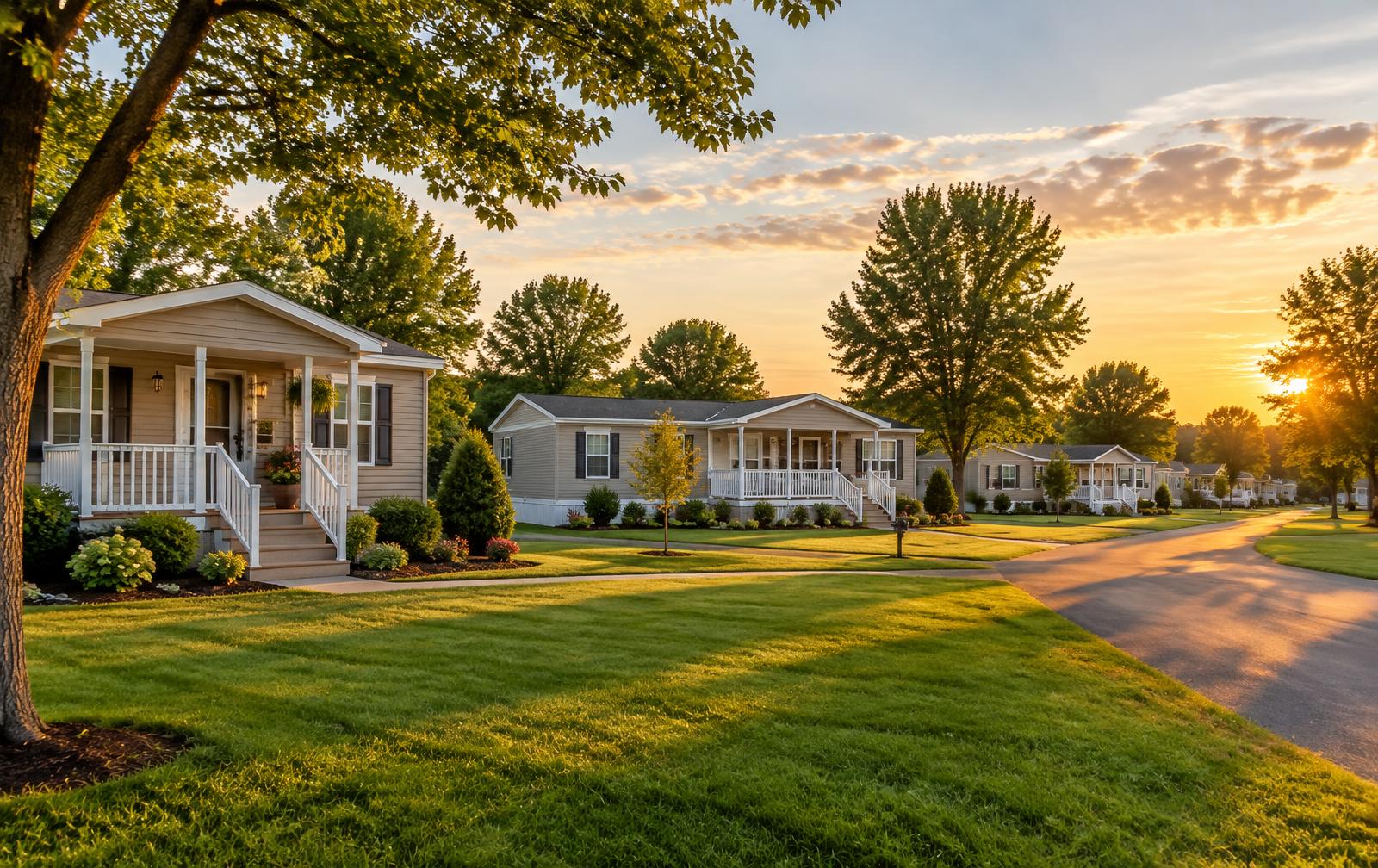
Mobile home rentals & communities
ARK Rentals
A place to call home. Mobile home rental and purchase options in our communities.
For our residentsWelcome to ARK Rentals
ARK Rentals serves mobile home residents and communities, with rental and purchase options for people looking for a place to call home.
Whether you’re exploring your next home or already part of an ARK Rentals community, your management team is your starting point for questions about home availability, leasing, and day-to-day rental needs.
Already a resident?
Find guidance below for getting started with Rent Manager, accessing your rental account, and knowing where to turn for help.
Resident information
Current residents
Get started with Rent Manager
Rent Manager’s Tenant Web Access is your online rental account. Start with the portal details provided by ARK Rentals.
- 01
Get your portal details
Contact ARK Rentals for your community’s tenant portal link and account setup details.
- 02
Set up your account
Follow the registration instructions provided by ARK Rentals to create your tenant login.
- 03
Manage your rental
Once activated, use your portal to view your account and access the payment and service options available for your community.
Need your portal link or help signing in? Contact your ARK Rentals management team.
About Rent Manager’s tenant portalResident FAQs
Common questions about getting started with Rent Manager.
Rent Manager website (external)How do I get access to my resident portal?
Contact your ARK Rentals management team for your community’s Rent Manager Tenant Web Access link and registration instructions. The Rent Manager website is product information, not your resident sign-in page.
What can I do in Rent Manager?
Once your account is activated, you can view your rental account and use the payment and service options enabled for your community. Contact your management team to confirm which options are available.
Can I pay rent through the portal?
If online payments are enabled for your community, you can access them through your Rent Manager resident portal. Check the available payment methods and any fees before submitting a payment. Contact ARK Rentals if you need help with payment options.
What if I forget my password or cannot sign in?
Use the password reset option on your community’s portal sign-in page, if available. If you do not have the correct portal link or still cannot access your account, contact your ARK Rentals management team.
How do I report a maintenance issue?
Use the service request option in your Rent Manager portal if your community has enabled it, or contact your ARK Rentals management team. For an emergency, do not rely on a portal request; follow your community’s emergency instructions. If there is immediate danger, call 911.